
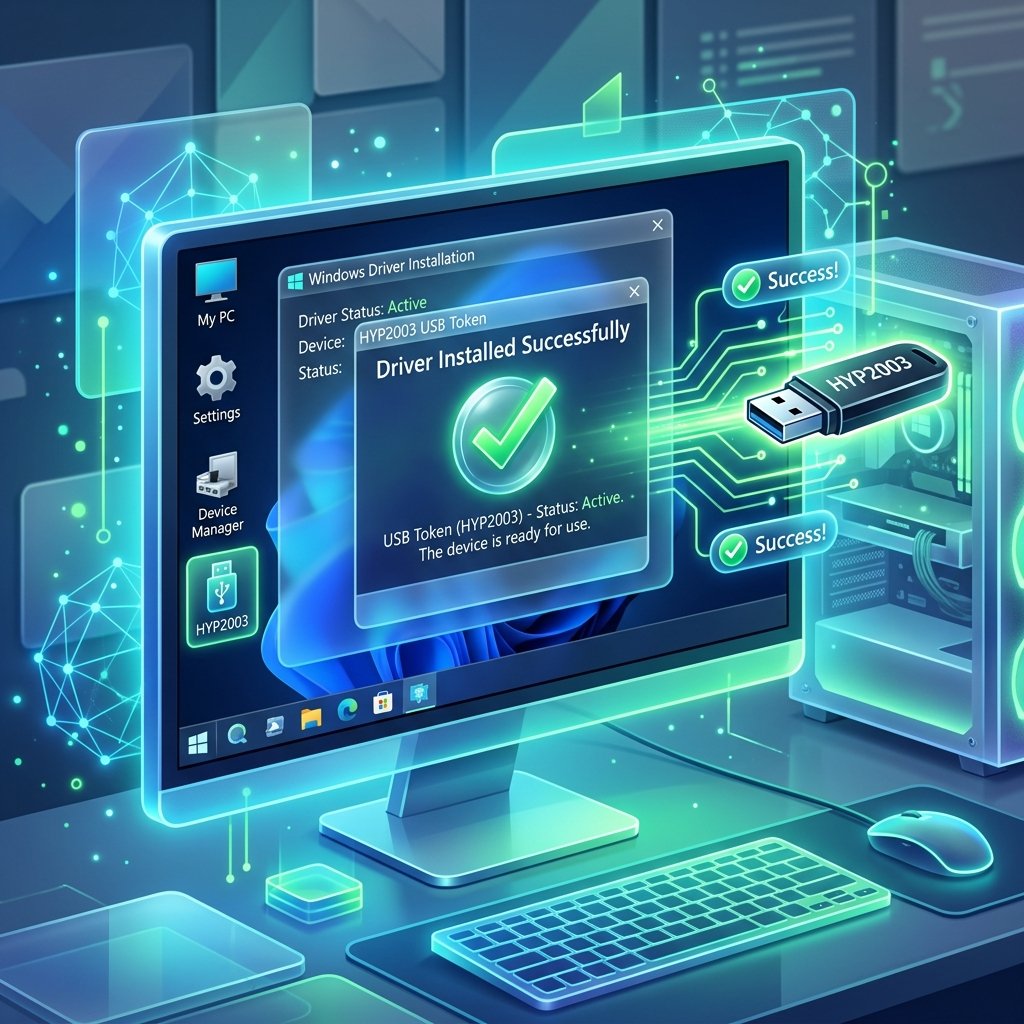
The HYP2003 USB token is widely used in India for storing Digital Signature Certificates (DSC). It is mandatory for secure authentication on government and private portals such as GST, Income Tax, MCA, and eTender platforms.
To ensure proper functioning of your token, installing the correct driver on your Windows system is strictly required. This guide provides a direct download link along with a step-by-step installation process.
Download HYP2003 Driver for Windows
Please check with your service provider to get the official website link and the correct driver installation setup file for your HYP2003 token.
System Compatibility
The HYP2003 driver supports both 32-bit and 64-bit architectures on the following Windows versions:
- Windows XP & Vista
- Windows 7, 8 & 8.1
- Windows 10 & 11
How to Install HYP2003 Driver on Windows
Follow these steps carefully to install the driver on your system:
- Step 1: Extract the Downloaded File
Locate the downloaded ZIP file and extract it using WinRAR or your built-in extractor. Open the extracted folder namedHyperPKI_HYP2003_Setup. - Step 2: Run Installer as Administrator
Right-click on the setup file and select “Run as Administrator” to avoid permission issues. - Step 3: Start Installation
Click Next on the setup screen and accept the default settings. - Step 4: Choose Installation Location
Select the destination folder where the driver will be installed and click Next. - Step 5: Select CSP Type
Choose Private CSP under CSP Type and click Install. - Step 6: Complete Installation
Wait for the installation to finish. We recommend restarting your system. After rebooting, insert your HYP2003 USB token to verify detection.
Common Issues and Troubleshooting
- Token Not Detected: Reinstall the driver properly, try a different USB port, or check Device Manager for USB errors.
- DSC Not Showing: Install the emSigner utility, use an updated browser (Chrome or Edge), and ensure drivers are correctly installed.
- Installation Error: Disable your antivirus temporarily, run the installer in compatibility mode, and ensure you have admin privileges.
Where is HYP2003 Used?
- GST Return Filing
- Income Tax Portal
- MCA Filings
- eTender & Government Procurement
- PF & ESIC Portals
Important Tips: Always use the latest driver version. Avoid installing multiple token drivers simultaneously, keep your system updated, and only use original USB token devices.